How the AI weekly read works
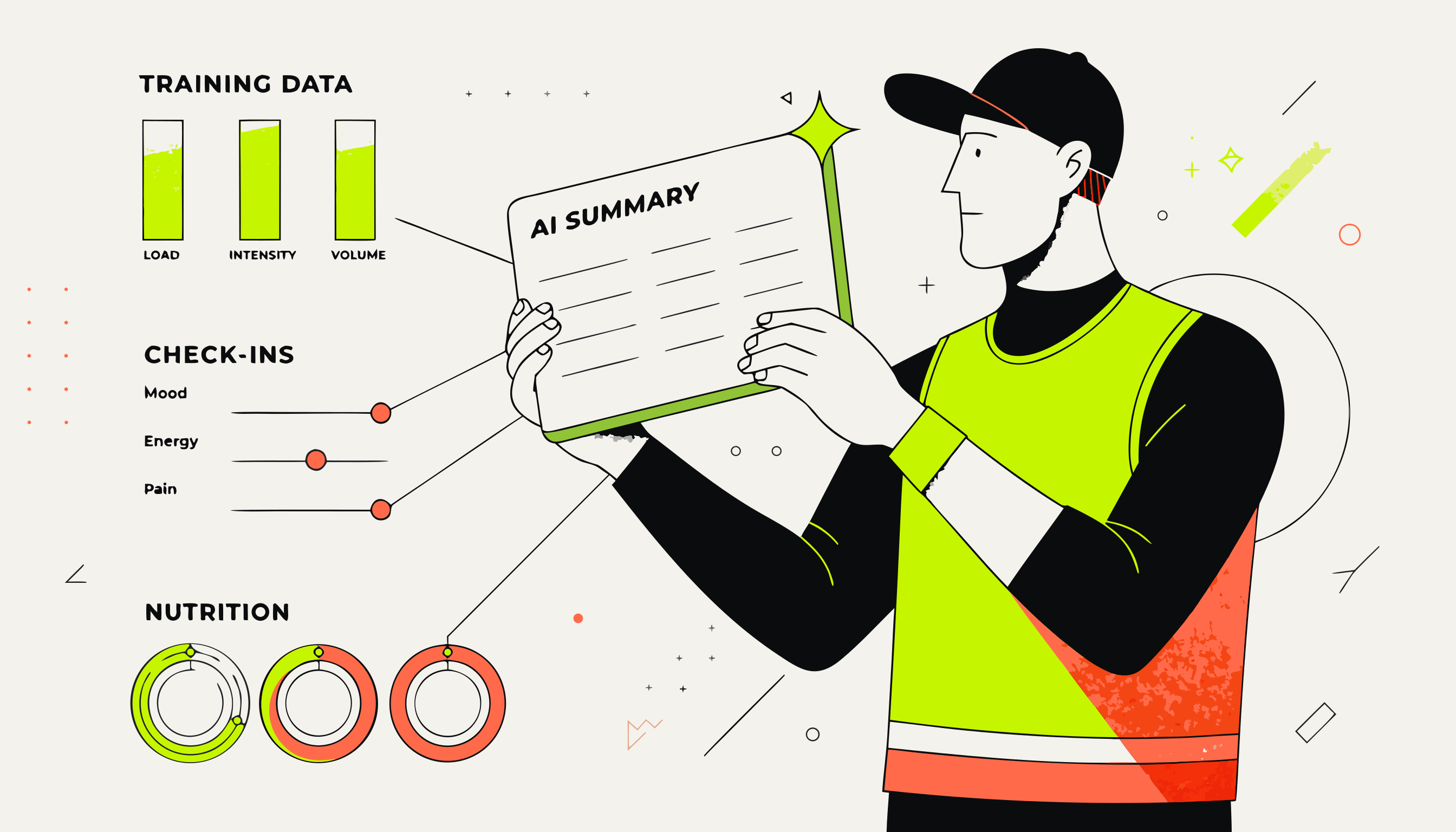
Every client gets a weekly AI summary — a short coaching read that synthesises their training logs, check-in responses, tracker data, and notes into a paragraph you can act on. It's not a chatbot. It reads the data and writes a coaching opinion.
What it reads
The weekly read pulls from four data sources for each client:
Training logs
Every set, rep, and weight logged in the workout tab for the past 7 days. It compares completion against the assigned program — session completion rate, exercises skipped, and any PR moments.
Check-in responses
All submitted check-in forms for the week. Scale ratings (energy, sleep, stress) and open-text answers are read and summarised.
Tracker data
Daily nutrition totals (calories, protein, carbs, fat), water, and steps for the week — how close they hit the targets you set.
Notes tagged #ai-readable
Any note you've added to the client's profile with the #ai-readable tag. This is where you add context the data can't show — injury history, goals, a conversation you had last week.
How to tag notes for the read
The most useful thing you can do to improve the quality of the AI read is add contextual notes to the client's profile and tag the ones you want the AI to see.
Go to the client's profile → Notes tab → click New note. Write the note in plain text. To include it in the AI read, add #ai-readable anywhere in the note.
Example note
Client had a shoulder injury (rotator cuff impingement) 6 months ago. Still has pain with overhead pressing. We're avoiding strict press and upright rows — substituting landmine press instead. Cleared for all pulling movements. #ai-readable
Note: Only tag notes that contain durable context — injury history, goals, lifestyle constraints. Don't tag session-specific observations every week, or the read will be cluttered with stale context.
When the read runs
The Overview opens on This week so far: Monday through today in the client's timezone. Press Refresh to include the latest records, even on the first day of the week. The date range and update time are shown above the read.
Workout tables show prescribed and performed sets alongside the two most recent completed sessions of each exercise, where available. Client notes sit under the exercise; volume and estimated 1RM are available in the details. AI adds a short commentary. A notice appears when training changes after the saved summary.
Last completed reviewfollows the client's check-in schedule and is generated automatically the following morning. Without an assigned check-in, reviews cover Tuesday through Monday. Previous reads remain in AI Insights. Live comparisons use the same elapsed days from the previous week; upcoming training is not marked missed. The attention table uses live activity independently of these saved reviews. You can generate up to 10 summaries an hour across your roster.
How to interpret the output
The read is a coaching opinion grounded in data, not a mechanical summary. It's written to answer: “What's the one thing I should know about this client this week?”
Things it might flag:
- Consistency trends: “Completed 4/5 planned sessions — best week in the last month.”
- Warning signs: “Energy score dropped from 7 to 3 over three consecutive check-ins. Nutrition tracking stopped mid-week.”
- Progress highlights: “Hit a new PR on deadlift — 10kg above program target. Consider increasing next cycle.”
- Programme gaps: “Squats have been skipped 3 weeks in a row. May be worth checking in on why.”
If the data is thin, the read will say so — it won't invent a positive read from empty logs.
What the AI doesn't do
The weekly read is a writer, not a decision-maker. It describes the data. The coaching decisions — whether to adjust the program, whether to have a difficult conversation — are yours.
The AI never sends anything to the client. It writes to your coach dashboard only. The client never sees the weekly read.
It also doesn't calculate progressive overload, set new training maxes, or prescribe specific weights. That's what the program builder and training data grid are for.