Learn how to use GymBro.
Step-by-step guides for coaches and athletes — from adding your first client to reading the AI weekly report.
Start here →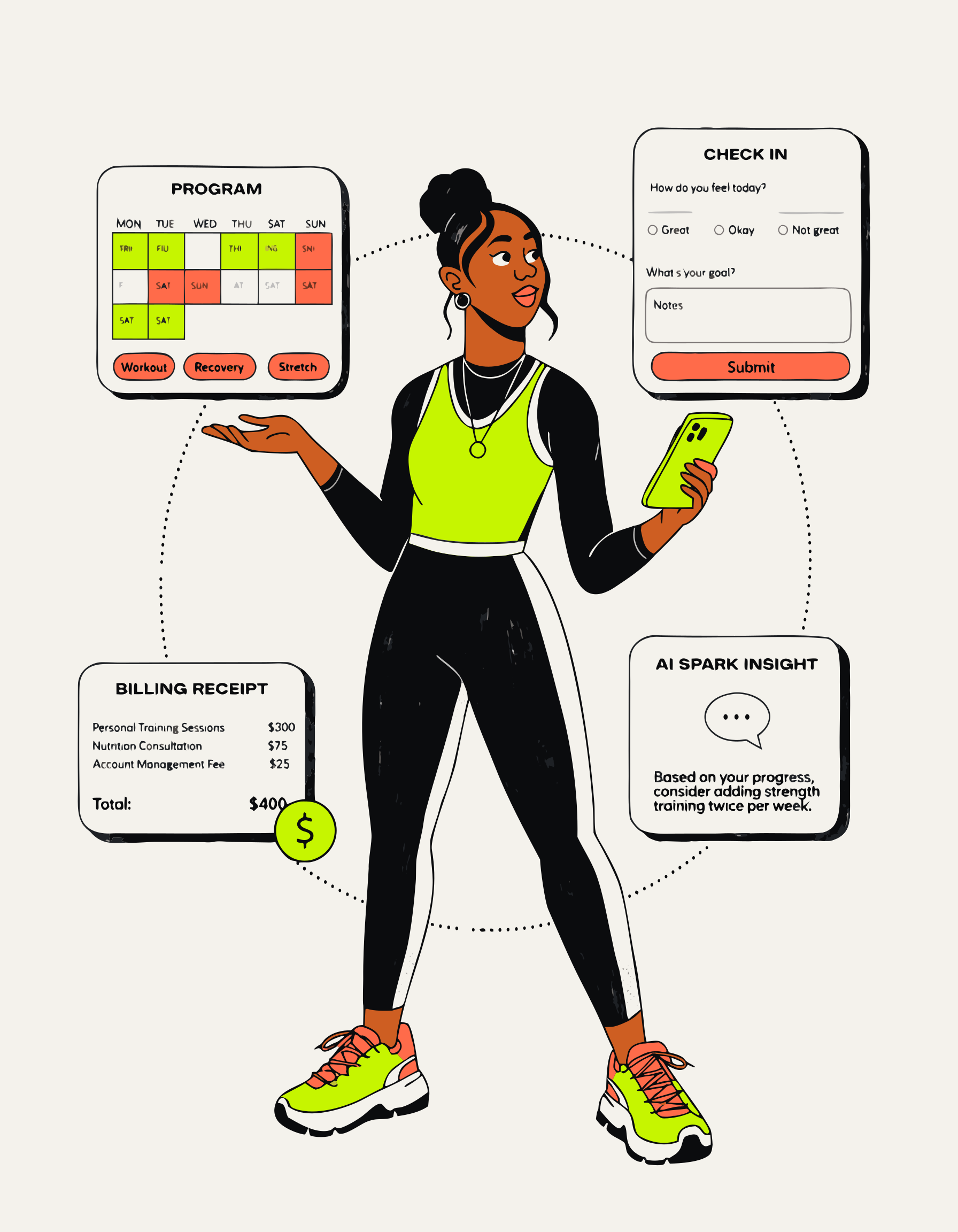
For coaches
Getting started as a coach
Create your account, set up your profile, and add your first client in under 10 minutes.
Read →Writing programs with the builder
Drag-and-drop multi-day programs, set per-exercise targets, attach demo videos, and let AI sanity-check before you assign.
Read →Check-ins, forms, and video reviews
Build custom check-in forms, guide progress photos with pose references, and record screen-and-webcam form reviews.
Read →Reading the attention table
Understand the green / amber / red client flags, what triggers each status, and how to act on the AI weekly read.
Read →Setting up Stripe billing
Connect Stripe Connect, create subscription plans, send payment links before onboarding, and manage pauses and grace periods.
Read →How the AI weekly read works
What data it reads, how to tag notes so they feed the analysis, and how to interpret the output for each client.
Read →Importing training history
One-click import from Strong, PT Hub, and Trainerize — what transfers, deduplication, and what to do after.
Read →